My Fix for “Connection timed out: getsockopt” in Minecraft LAN Games
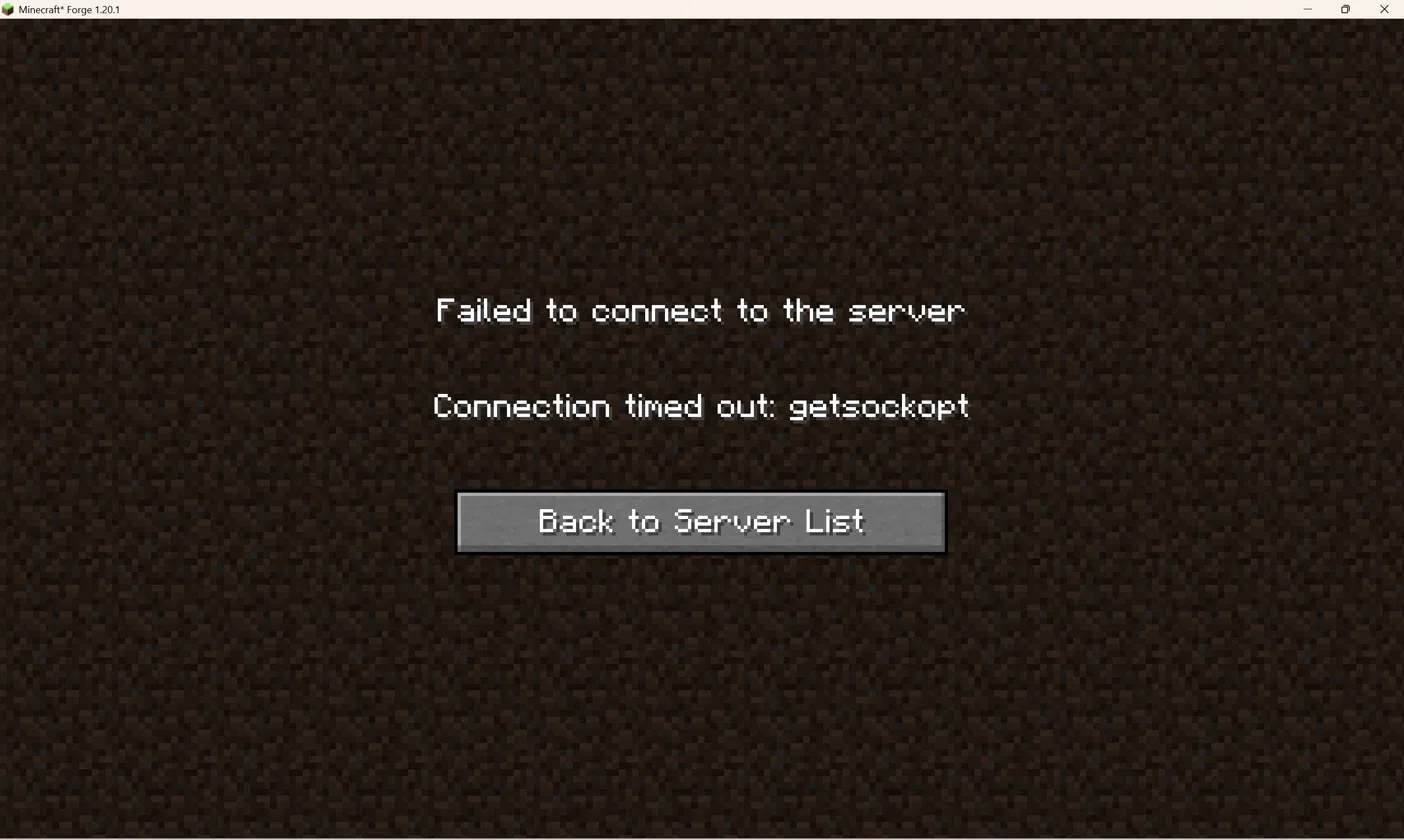
My two sons wanted to play Minecraft together on their laptops. One of them started a world (we're on Forge 1.20.1) and opened it to LAN. The other one could actually see the world listed under “Scanning for games on your local network”, but every time he tried to join, it would just fail.
I tried the following but these did NOT work for me:
- Joining the LAN world from the server list.
- Using Direct Connection with the host laptop's IPv4 address and port (e.g.
192.168.1.187:53935). This used to work for us, but only in the other direction. My younger son's laptop could connect to his older brother's laptop this way just fine. This time around, it was my older son's laptop trying to connect to his younger brother's laptop, and that's when it failed with a “Failed to connect to the server – Connection timed out: getsockopt” error. - Pinging the host laptop from the other laptop. Ping just timed out too.